My buddy Dev called me last spring, half-panicked, because his first build wouldn't post. He had spent around $900 on parts, opened every box like it was Christmas, and then sat there staring at a dead motherboard with a tiny error light blinking at him. The culprit was not a broken part. He had bought DDR5 memory for a board that only takes DDR4.
That mistake cost him a return shipping fee and a week of waiting. It is also the single most common rookie error I see, and it is completely avoidable. Compatibility is not magic. It is a short checklist you run before you spend a dollar.
So let me walk you through how I pick parts that play nice together, in the same order I'd build the list if I were starting from scratch today. We are going to go part by part, and I'll flag the cheap traps that eat your money for no extra frames.
Start with the CPU and the socket it lives in
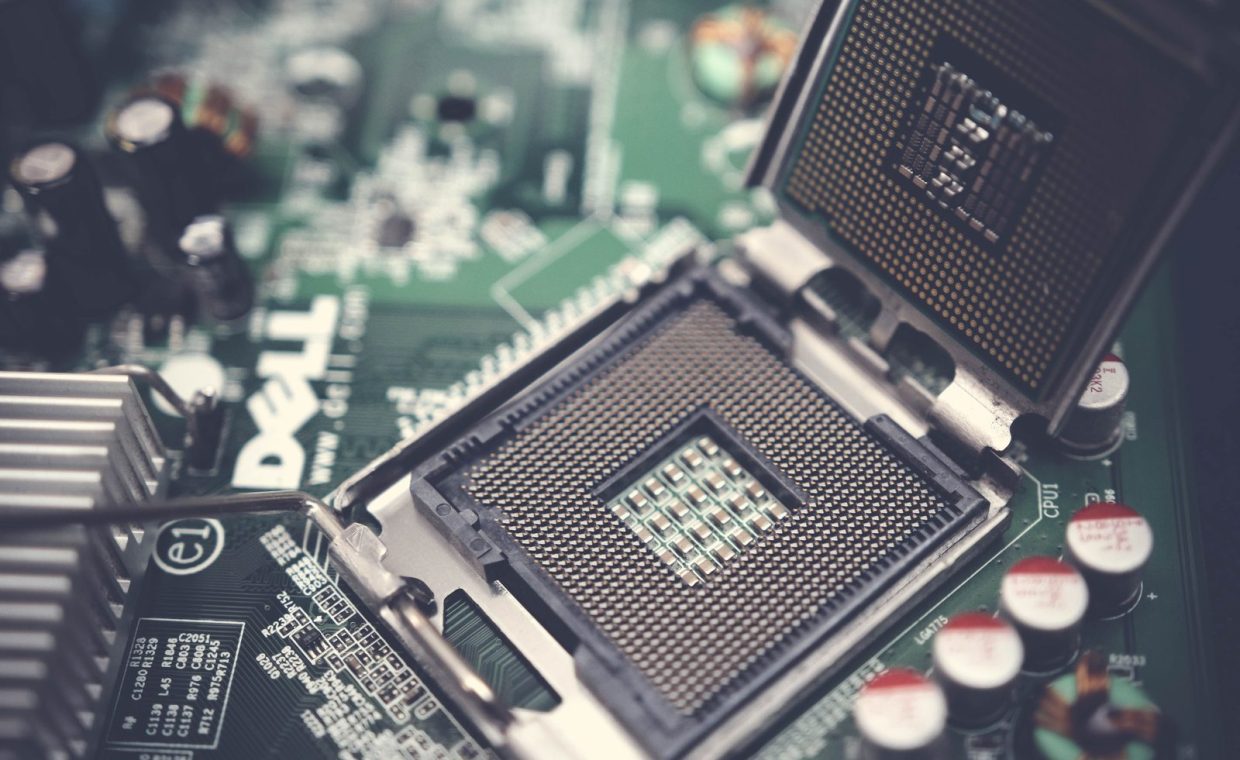
Everything in a build hangs off the CPU choice, so pick it first. The CPU drops into a specific socket on the motherboard, and if the socket does not match, nothing else matters.
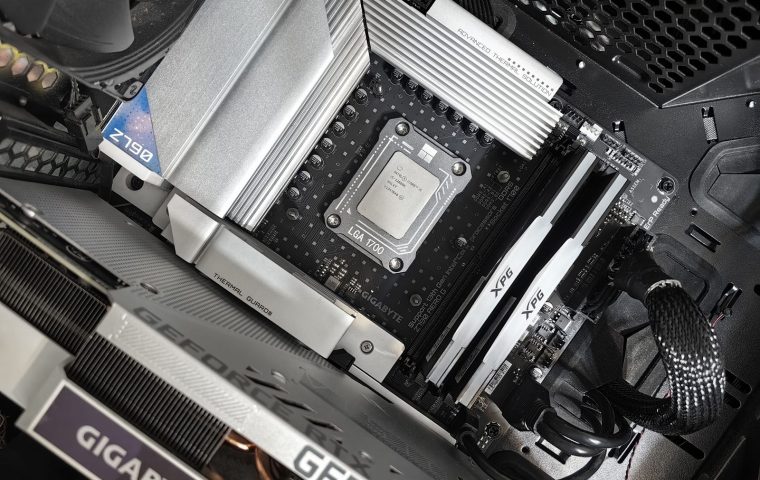
Modern AMD desktop chips use the AM5 socket. Intel uses its own LGA sockets that change every couple of generations. The rule is simple: read the exact socket name on the CPU page, then only look at boards that list the same socket name.
Do not assume a brand match is enough. An AMD chip needs an AMD socket, sure, but an older AMD chip and a newer AMD board can still be incompatible. Match the socket string letter for letter.
For pure gaming, a mid-range 6 or 8-core CPU paired with a strong GPU beats a pricey flagship CPU with a weak GPU almost every time. Spend the saved cash on the graphics card. That is where your frame rate actually lives.
Pick a motherboard that matches the socket and the chipset
Once the socket lines up, look at the chipset. The chipset decides what features you get: how many fast storage slots, how much overclocking headroom, how many USB ports.
Cheaper chipsets are totally fine for a first gaming PC. You rarely need the top-tier board. A solid mid-tier chipset gives you everything a normal gamer touches and skips the features you will never use.
There is one quiet gotcha here. Sometimes a brand-new CPU needs a BIOS update before an older board will recognize it. Look for a board that advertises support out of the box, or one with a BIOS Flashback button so you can update without a working CPU installed.
Watch the form factor
Motherboards come in sizes. ATX is the standard full size, microATX is smaller, and Mini-ITX is the tiny one. The size you pick has to fit the case you buy, so jot it down now and check it against the case later.
Match your RAM to the board, not just the brand
Back to Dev's dead build. RAM type is generational, and the board dictates which one you can use. A DDR5 board takes DDR5 only. A DDR4 board takes DDR4 only. They are not interchangeable, and the slots are keyed so the wrong stick will not even seat.
Check the board's listed maximum speed too. You can install fast memory, but the board and CPU might run it slower than the sticker claims. For gaming, two matched sticks in dual-channel is the sweet spot. Two sticks beat one big stick because dual-channel feeds the CPU faster.
Capacity advice for a gaming machine today: aim for a comfortable middle. Enough to run a modern title plus a browser and a voice chat without stutter, without paying for capacity that sits empty.
Before you add RAM to the cart, open the motherboard's spec page and confirm three things: the memory type (DDR4 or DDR5), the supported speed, and the maximum total capacity. Thirty seconds here saves a return label later.
Choose the GPU, then make sure it fits and feeds
The graphics card is the heart of a gaming build, and it has two compatibility questions that catch people: does it physically fit, and does the power supply have the right cables.
Length is the first one. Big modern cards are long, and small cases are short. The case spec lists a maximum GPU length in millimeters. The card lists its own length. The card has to be shorter than the case allows, with a little breathing room.
The second question is power connectors, which we'll handle in the PSU section. For now, just know that a strong GPU plus an underpowered card slot in your budget is the wrong trade. If you are torn on where to spend, the GPU is almost always the answer if frames are your goal.
If you already own a card and just want more performance, I have a whole rundown on how to squeeze more frames out of the hardware you already have before you spend a cent on upgrades.
Size the power supply so nothing browns out
The power supply is where new builders either overspend on watts or, worse, underspend and starve the system. Both are avoidable.
Add up the rough draw of your CPU and GPU, then give yourself headroom on top. A common trap is buying a no-name unit to save twenty bucks. Do not. A cheap PSU is the one part that can take other parts down with it when it fails.
Check the connectors against your GPU. Newer high-end cards may use a specific power connector, and you want a supply that includes the right cable or adapter in the box. Read the GPU's power requirement, then buy a quality unit that comfortably exceeds it.
Wattage is not the only number that matters. A reputable supply with an efficiency rating and real protections is worth the extra cash. Saving money on the PSU is the classic false economy that can fry a $400 graphics card.
Confirm the case fits everything you just chose
The case is the last compatibility checkpoint, and it ties the whole list together. Three measurements matter most.
- Motherboard size: the case must list support for your board's form factor (ATX, microATX, or Mini-ITX).
- GPU clearance: the case's max GPU length must exceed your card's length.
- Cooler height: if you use a tall air cooler, the case must have room for it. Check the max CPU cooler height.
Airflow matters more than looks. A case with decent fan support and mesh up front keeps temperatures down, and cooler parts hold their boost clocks longer, which quietly protects your frame rate during long sessions of something demanding like Elden Ring or Baldur's Gate 3.
Run a final compatibility pass before you buy
Here is the order I check, every single time, before anything goes in a cart.
- CPU socket matches the motherboard socket, exactly.
- RAM type matches the board (DDR4 or DDR5) and stays within supported speed and capacity.
- GPU length fits the case, and the PSU has the right power connectors.
- PSU wattage comfortably exceeds total system draw.
- Case supports the motherboard form factor and the cooler height.
A part-picker site that checks these automatically is your friend here. It will flag a mismatch before you spend money, which is exactly when you want to hear about it.
| Part | The thing it must match | The cheap trap to avoid |
|---|---|---|
| CPU | Motherboard socket | Paying flagship prices for gaming you won't see |
| Motherboard | Socket, chipset, form factor | Top-tier board you don't need |
| RAM | Board memory type and speed | One stick instead of two |
| GPU | Case length, PSU connectors | Underbuying the part that drives frames |
| PSU | Total draw plus headroom | No-name unit to save a few dollars |
| Case | Board size, GPU length, cooler height | Pretty case with bad airflow |
One last thing that has nothing to do with hardware and everything to do with smooth frames: once the box boots, spend an hour learning to tune Windows so it stops fighting your games. And if you bought a fast panel, read up on what a 144Hz refresh rate actually does so you can confirm your build is feeding it properly.
Pick the CPU first, then a board with the matching socket, then RAM that fits that board, then a GPU sized for your case and fed by a quality PSU, all wrapped in a case that holds it. Run the five-point check before you buy, and put your spare cash into the graphics card.
Can I mix AMD and Intel parts in one build?
You can absolutely mix brands across categories. An AMD CPU works happily with an NVIDIA graphics card, and either CPU works with RAM and storage from any brand. The one match that is locked is CPU to motherboard socket, since that is the physical and electrical handshake that has to line up.
How do I know if my power supply is strong enough?
Add the rough power draw of your CPU and GPU, then add a healthy cushion on top so the unit is not running flat out. Check that the supply includes the exact power connectors your graphics card needs. A quality unit that comfortably exceeds your total draw is the safe call, and it leaves room for a future upgrade.
Where should I spend the most money for gaming?
The graphics card, almost always. For frames per dollar, a stronger GPU paired with a sensible mid-range CPU beats the reverse nearly every time. Skip the flagship CPU and the top-tier motherboard, then pour that saved money into the card that actually pushes pixels.
Build your list in this order, run the five-point check, and you'll dodge the dead-board moment that cost my friend Dev a week of waiting. Compatibility really is just a short list you respect before you reach for your wallet. Now go put that saved cash where it counts, and enjoy the first time those fans spin up.