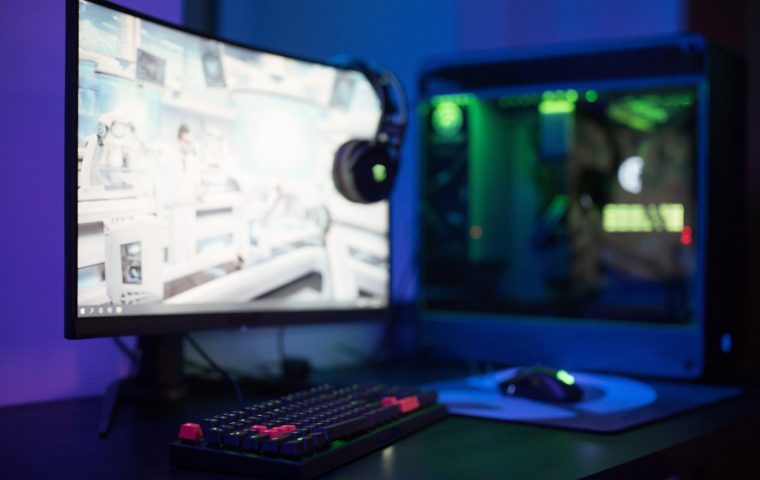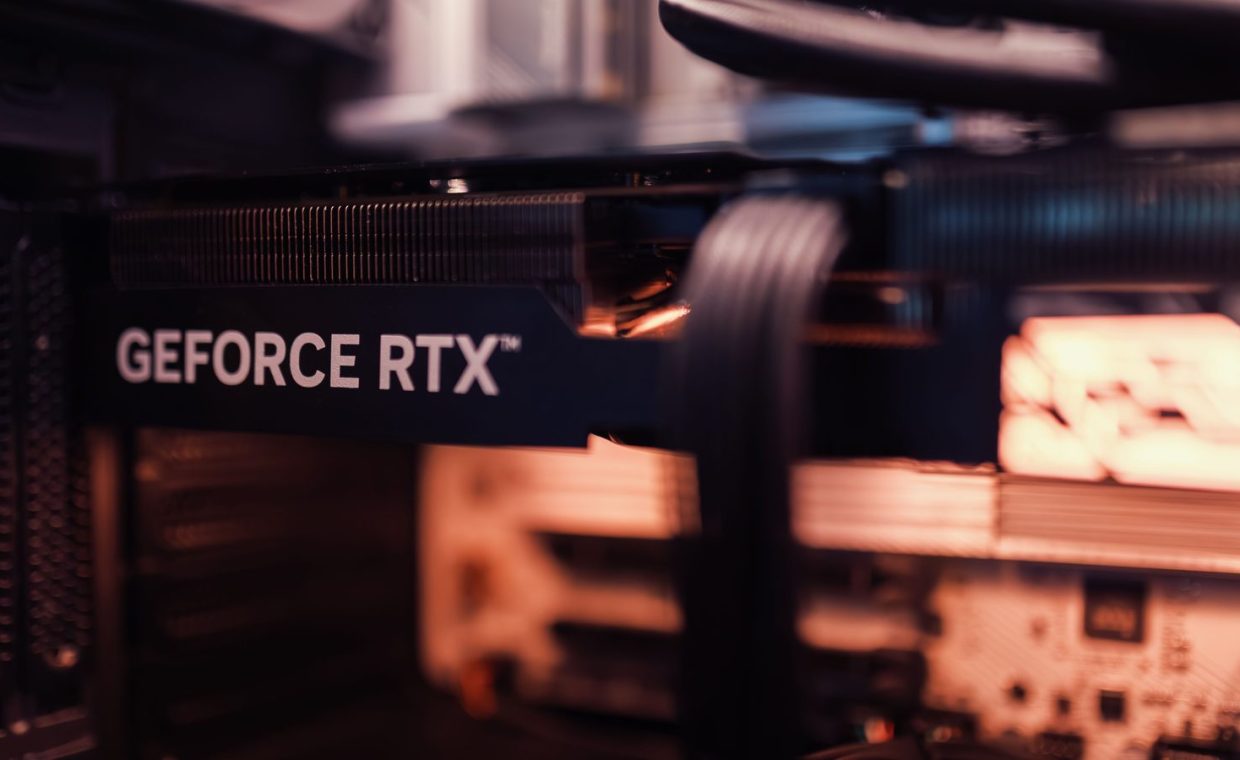
A friend of mine spent close to nine hundred dollars on a flagship GPU last spring. Then he plugged it into a 1080p 60Hz office monitor he had owned since college. He was getting 200 frames per second in Valorant on a panel that physically could not show more than 60 of them.
That is the most expensive mistake in PC building, and almost nobody talks about it. The GPU is usually the priciest single part in your rig, so a bad match here wastes more money than any other component. The card was fine. The pairing was the problem.
The fix is boring and it works: figure out what your monitor can actually display, then buy the cheapest card that feeds it. Let me walk you through how I do it, step by step.
Read Your Monitor Before You Read Any GPU Reviews
Your monitor sets the ceiling, not your GPU. A graphics card cannot show frames your display refuses to draw, so the panel is where every smart build starts.
You need two numbers. Resolution (1080p, 1440p, or 4K) and refresh rate (60Hz, 144Hz, 240Hz). Both are printed in your monitor's settings menu or its product page.
Refresh rate is the one people forget. A 144Hz panel can display up to 144 frames per second. Push 200 frames into it and the extra 56 are simply discarded, which means you paid for horsepower you will never see.
On Windows, open Display Settings, then Advanced Display. It lists your exact resolution and refresh rate. Do this first, before you open a single benchmark.
Match Resolution to a Realistic GPU Tier
Each resolution has a sweet spot where you get smooth frames without overpaying. Buy above that tier and you are funding pixels your screen will never render.
Here is the rough map I keep in my head when someone asks for a recommendation.
| Your monitor | GPU tier to target | What you get |
|---|---|---|
| 1080p, 60-144Hz | Entry to mid-range | High frames in esports titles, solid 60fps in heavy games |
| 1440p, 144-165Hz | Upper mid-range | The current value sweet spot for most builders |
| 4K, 60-120Hz | High-end | Stunning detail, but you pay a steep premium per frame |
For most people reading this, 1440p at 144Hz is the smart target. It looks sharp, it stays affordable, and the mid-range cards that drive it are where the price-to-performance curve is kindest.
4K is gorgeous and genuinely expensive to feed. Unless you sit close to a large panel or you mainly play slower, cinematic games like Baldur's Gate 3, the jump rarely justifies the cost.
Match Your GPU to the Games You Actually Play
The phrase "good enough" depends entirely on what is on your hard drive. Two builders with identical budgets can need completely different cards.
Competitive shooters like Valorant or Counter-Strike are light on the GPU and reward high frame rates, so a modest card paired with a fast monitor wins. You want frames, not fancy lighting.
Single-player showcases are the opposite. Elden Ring, Cyberpunk-style open worlds, and other visual heavyweights lean hard on the GPU, and that is where spending a tier higher actually shows up on screen.
If 90 percent of your hours go to Stardew Valley, indie games, and esports titles, you do not need a high-end card. A cozy and competitive library runs beautifully on hardware that costs half what the benchmark charts push you toward.
Find the Cheapest Card That Hits Your Target
Once you know your resolution, refresh rate, and your three or four most-played games, the buying part gets simple. Look up benchmarks for those specific games at your specific resolution.
Ignore the average across forty games. You only care about the titles you actually launch. A card that posts mediocre averages but crushes your particular shortlist is the better buy every time.
Then aim for the card that clears your target frame rate with a little headroom, and stop there. The step up to the next tier often costs 30 to 40 percent more for maybe 15 percent more frames. That is the definition of wasted money.
A cheap card with too little video memory ages badly. At 1440p, look for a comfortable VRAM buffer so newer games do not stutter in a year or two. A small bump in memory is cheaper than buying twice.
Used and last-generation cards
The previous generation is where bargains live. A last-gen mid-range card often matches a current entry-level one for less money, and it has the benefit of a known track record.
If you buy used, ask for a recent benchmark screenshot and check the card runs cool under load. Mining-era horror stories are mostly overblown, but a card that was never cleaned is a fair thing to walk away from.
Check the Rest of Your Build Before You Pay
A great GPU strangled by a weak system is money down the drain. Two quick checks save you from that trap.
First, your power supply. Every card lists a recommended wattage, and undersizing your PSU causes crashes that look like driver bugs but are not. Give yourself a little margin here.
Second, your CPU. At 1080p especially, a slow processor will cap your frames no matter how strong the GPU is. This is called a bottleneck, and it is the second-most-common way builders waste GPU money after the monitor mismatch.
Search "[your CPU] bottleneck [your GPU] 1440p" before buying. If reviewers are pairing them happily, you are fine. If everyone is warning against it, listen.
Plan for What Plugs Into It Later
Your GPU is the heart of a wider setup, and a little forward thinking keeps your next upgrade cheap. Think about how you actually play before you finalize the build.
If you game on the couch with a pad, your card choice barely changes, but your peripheral budget might. It is worth glancing at how the major controllers stack up so you are not adding a clunky pad to an otherwise tuned rig.
Streamers have a different calculation. Modern GPUs include strong built-in encoders, which means you can broadcast in good quality without a second machine. Before you assume otherwise, read up on whether a capture card is actually necessary for your setup, because for single-PC streaming it often is not.
And if going live is the goal, the GPU is only one piece. Sorting out the basics of getting your first stream running cleanly matters more for viewer experience than squeezing out an extra 20 frames nobody watching will notice.
Common Ways Builders Overspend
After helping a lot of friends shop, the same three mistakes come up again and again. None of them are about being uninformed. They are about buying emotionally instead of practically.
- Buying for a monitor you might get someday. Buy the card for the panel you own now. Upgrade the GPU when you upgrade the screen, not before.
- Chasing the top of the chart. The flagship is rarely the value pick. The card one or two tiers down usually delivers most of the performance for a fraction of the price.
- Ignoring the silent partner parts. A weak CPU or undersized PSU quietly steals the frames you paid for, and you will never see the loss on a spec sheet.
The best GPU is not the fastest one. It is the cheapest one that maxes out the monitor sitting on your desk.
Read your monitor first, match the GPU tier to your resolution and your actual games, buy the cheapest card that clears your target with a little headroom, and confirm your CPU and PSU can keep up. Do that and you will not overspend.
Do I really need a high-end GPU for 1440p gaming?
No. An upper mid-range card handles 1440p at 144Hz in most games beautifully. High-end cards are aimed at 4K and very high refresh rates, so for 1440p they are usually overkill and a poor use of money.
Is it worth buying a used or last-generation GPU?
Often yes. Previous-generation mid-range cards frequently match current entry-level cards for less, and used prices can be excellent. Just ask for a recent benchmark screenshot and confirm the card runs cool under load before you buy.
How do I know if my CPU will bottleneck my new GPU?
Search for your exact CPU and GPU combination at your resolution and read what reviewers found. Bottlenecks matter most at 1080p and ease up at 1440p and 4K, where the GPU does more of the work.
Spend ten minutes reading your own monitor and your own game library, and the right card practically picks itself. Skip that step and you end up like my friend, with a flagship feeding a screen that cannot keep up. Buy for the rig you have, leave a little headroom, and put the saved cash toward something you will actually feel. Happy building, and may your frames stay smooth.