A buddy of mine spent two grand on a tower last winter, then plugged it into a mushy membrane keyboard and a webcam-grade headset he found in a drawer. He had a 1440p panel running games beautifully and could not tell when an enemy was flanking him because his audio was garbage. That gap, between the parts you brag about and the parts you actually touch, is where most people waste money.
Here is the thing about budget peripherals. The cheap-feeling ones are not cheap because they cost less. They feel cheap because the maker cut the wrong corners, like wobbly switches, hollow plastic, or a sensor that smears when you flick. The good budget gear cuts the right corners instead, the box art and the RGB light show, and keeps the parts your hands and ears care about.
I have benchmarked, dropped, and rage-tested a lot of this stuff. Below is the gear that earns its keep, organized by where your money does the most work.
1. A Lightweight Wired Mouse Beats a Heavy Wireless One
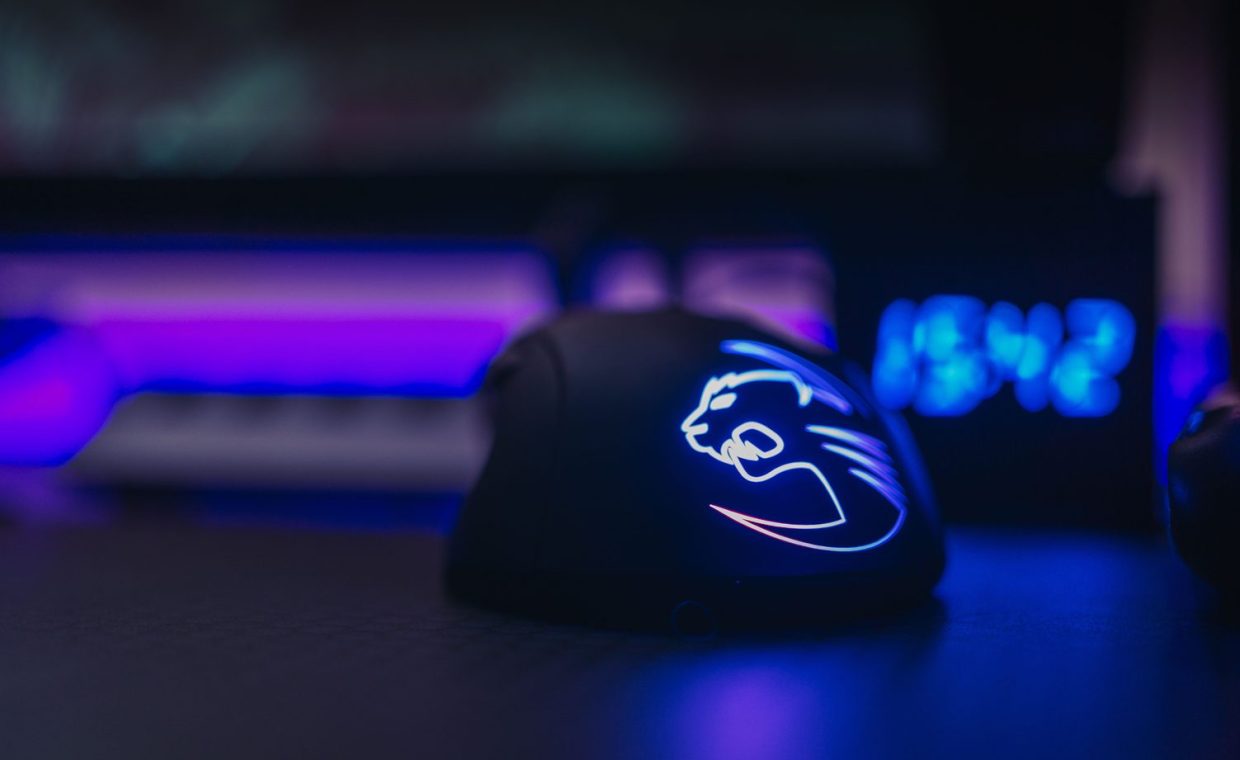
If you only upgrade one thing, make it the mouse. A good lightweight wired mouse in the roughly $30 to $50 range will out-track a bloated $90 wireless puck that brags about features you never use.
What matters is weight, a clean modern sensor, and a cable that does not drag. Anything under about 70 grams feels alive under your hand in a fast shooter like Valorant or Apex. The flashy stuff, side screens, twelve macro buttons, swappable weights, is mostly markup.
One common mistake I see is buying a high number on the box and assuming higher is better. It is not. If you do not know why, read up on how DPI and sensitivity actually affect your aim before you spend a cent, because most pros play far lower than the marketing suggests.
Skip wireless on a tight budget. A solid braided or paracord-style cable costs nothing extra and removes the one thing wireless mice fail at: a dead battery mid-match.
2. A Cheap Headset With Honest Audio, Not Fake Surround
Audio is the most underrated budget upgrade in competitive play. A clean stereo headset around $50 to $70 will tell you exactly where footsteps are coming from, while a bargain-bin "7.1 surround" set muddies everything into a wall of bass.
Open-ear or semi-open designs tend to give you a wider soundstage, which is what you actually want for positional awareness. The mic does not need to sound like a podcast booth. It needs to be clear enough that your squad understands the callout.
I cannot stress this enough for tac-shooters. Knowing the difference between a reload and a footstep wins rounds, and that comes down to how well your headset reproduces competitive audio cues, not how many fake channels the box promises.
"Virtual 7.1 surround" on a $40 headset is almost always software trickery layered over two drivers. Honest stereo with good drivers beats fake surround every single time.
3. A Tenkeyless Mechanical Keyboard Under $70
You do not need a $180 board with hot-swap sockets and an aluminum case to feel the difference between mush and a real switch. Plenty of tenkeyless (TKL) mechanical keyboards land in the $45 to $70 range and feel genuinely premium.
Going tenkeyless drops the number pad you rarely use in games, which frees desk space and lets you keep your mouse closer to center. That ergonomic win is real, and it costs less than a full-size board because there is literally less keyboard.
Look for standard switches like linear reds for gaming feel or browns if you also type a lot. PBT keycaps are a nice bonus because they resist the greasy shine that cheap ABS caps develop after a few months.
| Part | Budget Sweet Spot | What You Are Paying For |
|---|---|---|
| Mouse | $30 to $50 | Low weight, clean sensor |
| Headset | $50 to $70 | Wide soundstage, clear mic |
| Keyboard | $45 to $70 | Real switches, PBT caps |
| Mouse pad | $10 to $20 | Large, smooth, stitched edge |
| Monitor | $130 to $180 | High refresh, low input lag |
4. The $15 Upgrade Almost Everyone Skips: A Big Mouse Pad
This is my favorite cheapskate flex. A large cloth mouse pad, the kind that covers half your desk, costs $10 to $20 and noticeably improves your aim consistency.
The reason is simple. A bigger surface means you never run out of room mid-flick, and a smooth, uniform weave lets your sensor track without micro-stutters. Small pads force you to lift and reset constantly, which kills muscle memory.
Get one with stitched edges so it does not fray in a month. That is the whole secret. There is nothing else to overthink here.
Frame for frame and flick for flick, a big mouse pad is the highest value-per-dollar item on this entire list. It is boring, and that is exactly why it works.
5. A High-Refresh 1080p Monitor Over a Fancy 4K One
For competitive gaming on a budget, refresh rate beats resolution. A 1080p panel at 144Hz or higher, often $130 to $180, will feel smoother in Valorant or Overwatch than a 4K 60Hz screen that costs three times as much.
High refresh makes motion clearer and your inputs feel instant. Your eyes pick up flicks and tracking far better at 144Hz, and your mid-range GPU can actually push those frames at 1080p instead of choking on 4K.
If you mostly play single-player epics like Elden Ring or Baldur's Gate 3, sure, lean toward a sharper 1440p panel. But for anything where reaction time decides the round, spend on Hz, not pixels.
Match the panel to how you actually play
Be honest about your library. A cozy Stardew Valley farmer and a ranked Counter-Strike grinder want very different screens, and buying the wrong one is how you end up paying for specs you never feel.
6. A Decent Microphone Beats a Cheap Streaming Bundle
If people keep telling you that you sound underwater, you do not need a $200 broadcast rig. A simple USB condenser mic in the $40 to $60 range will make you sound clean in Discord and on stream.
Avoid those all-in-one "streamer starter kits" that throw in a ring light, a green screen, and a mic that sounds like a tin can. The bundle exists to move volume, not to make any one part good.
Put a sock-style pop filter in front of it, keep it close to your mouth, and you are done. Clear comms make you a better teammate, full stop.
Where Not to Cut Corners
Budget building is about choosing your sacrifices well. Cut RGB, cut brand prestige, cut features you will never touch. Do not cut on the sensor in your mouse, the drivers in your headset, or the refresh rate on your screen, because those are the parts that change how the game feels in your hands.
If you are putting your whole setup together for the first time, slow down on the small stuff and get the contact points right. A lot of classic first-build mistakes beginners make come from blowing the budget on one shiny component and starving everything you actually touch.
Spend where your hands and ears live: a light mouse, an honest headset, a real mechanical keyboard, a big pad, and a high-refresh 1080p screen. Skip the RGB, the fake surround, and the bundles. You will feel the difference, and your wallet will too.
Is wired gear really better than wireless on a budget?
At the low end, yes. Cheap wireless peripherals cut corners on battery, latency, or sensor quality to hit a price. A wired mouse or headset at the same cost puts that money into the parts you feel, with no battery to die mid-match.
Should I prioritize a better monitor or better peripherals first?
Fix your weakest contact point first. If your mouse is heavy or your headset muddies footsteps, sort those before the monitor. A high-refresh screen is a huge upgrade, but a bad mouse undermines every frame it shows you.
Does a mechanical keyboard actually improve gaming performance?
Performance gains are small and mostly about consistency and feel, not raw speed. The real win is reliability and comfort over long sessions. A good TKL board under $70 gives you most of that benefit without the premium price.
Build around your hands and ears, not the box art. Get the cheap parts that move your frame rate and your awareness, ignore the markup on everything else, and you will end up with a setup that feels like money without spending it. Go play something. Your wallet earned it.