A friend of mine spent three weekends rearranging his room before he ever bought a single piece of new gear. He moved the desk under the window, then away from it, then sideways. By the time he was done, his "battlestation" was basically the same desk he already owned, just pointed in a smarter direction. It looked twice as good and cost him nothing.
That story sticks with me because most setup envy online is misleading. The photos that rack up likes are usually expensive, fragile, and built for a camera angle, not for a six-hour Elden Ring session. The good news is that the layouts that actually feel great to sit at are the ones you can copy on a normal budget.
So here are eight desk setups worth borrowing from, each one based on a real way people play. I'll point out what makes each one work, what it costs in practice, and the small mistake that quietly ruins it.
1. The Minimalist Single-Monitor Focus Desk
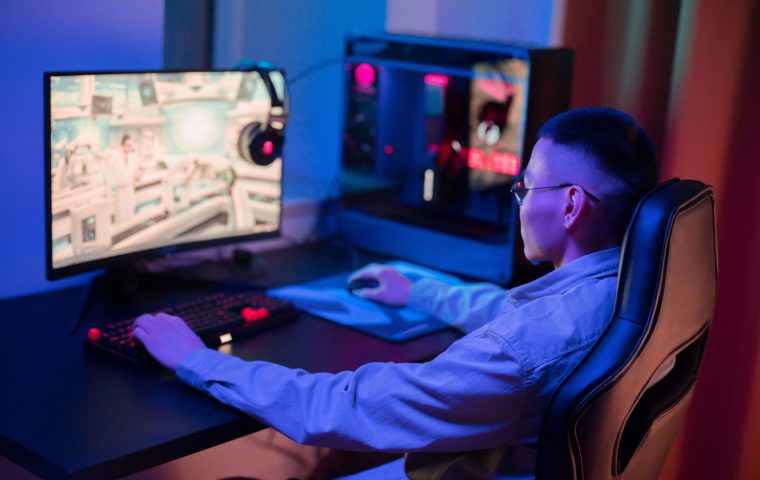
This is the setup for people who want to sit down and actually play, not manage a dashboard. One good monitor, a keyboard, a mouse, and a clean surface. That's the whole thing.
The trick that makes it look intentional rather than empty is a monitor arm. Floating the display off the desk frees up the space underneath and lets you push the screen back to a comfortable distance. You stop hunching, and the desk suddenly feels twice as deep.
I love this for competitive shooters like Valorant, where a single 1440p display with a high refresh rate beats a wall of monitors you never look at. Less stuff in your field of view means fewer distractions mid-round.
A basic clamp-on monitor arm runs around $30 to $40 and does more for your posture and your desk space than almost any other single purchase.
2. The Dual-Monitor Command Center
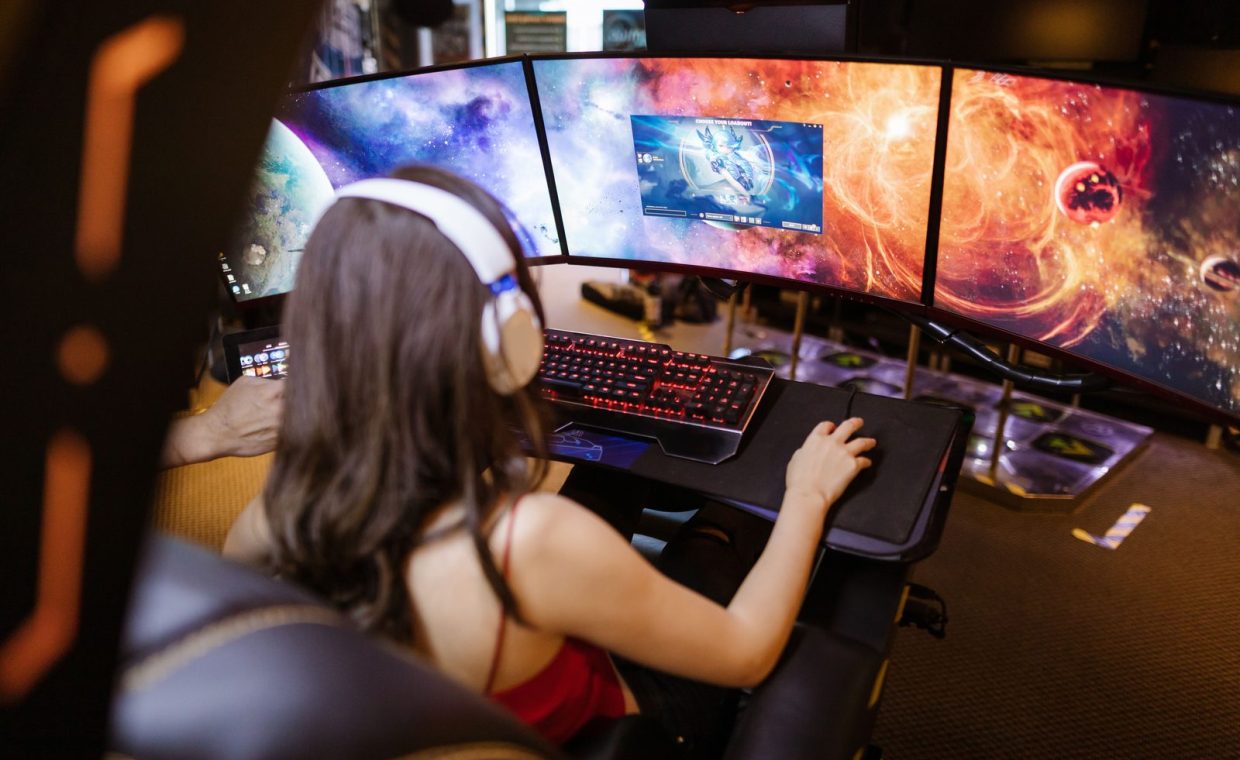
Two screens is the sweet spot for people who do more than one thing at a time. Game on the main display, keep Discord, a guide, or a stream chat on the second. It is the layout I personally use most.
The mistake here is buying two mismatched monitors and bolting them side by side at different heights. Your eyes hate that. If the second screen is a hand-me-down, at least get its top edge level with the primary using a stand or a stack of books you'll later replace.
Angle the secondary monitor slightly inward, like the pages of an open book. You glance at it, you don't crank your neck toward it. Small detail, big comfort difference over a long evening.
3. The Compact Dorm or Small-Room Corner
Not everyone has a dedicated office. Plenty of great setups live on a desk that is roughly the size of a cafeteria tray, and that constraint forces some genuinely smart choices.
Go vertical. A monitor arm clamps to the back edge and reclaims the footprint a stand would eat. A small under-desk shelf or a clamp-on headphone hook keeps your peripherals off the surface you need for a mouse.
This is also the natural home for a first streaming setup that fits on a tiny desk. You do not need a studio. A decent webcam, a clip-on mic, and tidy framing can look more professional than a sprawling room that's a mess just outside the frame.
A small desk is not a downgrade. Some of the cleanest setups I've seen are tiny ones where every single item earns its spot.
4. The Console-and-PC Hybrid Station
You play Baldur's Gate 3 on PC but you also want the couch-friendly comfort of a controller and a console for the nights you just want to flop. A hybrid desk handles both without you crawling behind furniture to swap cables.
The key piece is an HDMI switch or a monitor with multiple inputs. Run the console into one port, the PC into another, and flip between them with a button. No re-plugging, no dust-covered ports.
Keep the console somewhere with airflow, not crammed into a sealed cubby. Heat is the enemy of any machine, and a console baking in a closed shelf will throttle or get loud fast.
5. The Handheld-First Flex Desk
The smarter, cheaper path past overpriced gear sometimes means realizing you don't need a tower at all. A Steam Deck or similar handheld plus a dock can be your entire battlestation.
Dock the handheld to a monitor and a keyboard when you're at the desk, then undock it and play in bed. One device, two modes. For people who move around or travel, this is the most flexible layout on the list.
The thing to plan for is the dock and a single tidy cable run. When the handheld lives on the desk, it should drop into the dock the way a phone drops onto a charger: one motion, no fuss.
6. The Cozy Comfort Setup
Some games are not about reflexes. They're about unwinding. A cozy desk built around Stardew Valley evenings or a long, slow story game has different priorities than an esports rig.
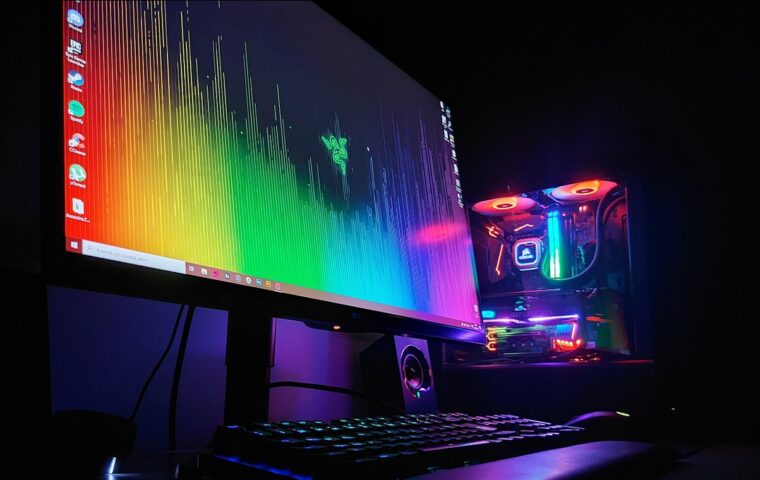
Warm, indirect lighting matters more than RGB here. A soft desk lamp or a couple of warm bulb strips behind the monitor reduce eye strain and make late sessions feel calm instead of clinical.
Add the human touches: a coaster for your drink, a small plant, a mousepad you actually like looking at. These cost almost nothing and do more for how a space feels than another piece of hardware ever will.
The lighting mistake almost everyone makes
A bright light directly behind your head throws glare across the screen. Put your main light source beside or behind the monitor instead, facing the wall. Bounced light is softer and kills reflections.
7. The Streamer-Ready Production Desk
If you're building toward streaming or content, the desk needs to serve the camera as much as it serves you. That changes the layout in ways a pure gaming setup never has to think about.
Frame your background on purpose. A clean shelf, one or two lights, and a mic on a boom arm that swings out of the shot when you're not talking. The boom arm is the upgrade people skip and regret, because a desk-stand mic picks up every keyboard clack and table bump.
Cable management stops being optional once you're on camera. Run everything down one leg of the desk, bundle it, and clip it underneath. Viewers notice a cable jungle even when they can't say why a setup looks "off."
Streaming pushes your hardware harder than gaming alone. Encoding plus a demanding game can spike temperatures, so build in airflow before you go live, not after a crash.
8. The Airflow-First Performance Build
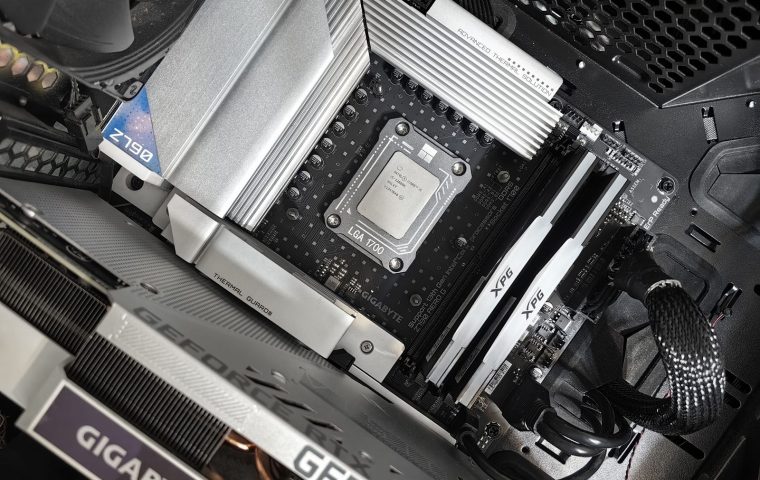
This last one is less about looks and more about the desk supporting the machine. A powerful PC needs room to breathe, and the desk layout is half of that equation.
Do not box the tower into a sealed cabinet with the glass panel facing a wall. Give it a few inches of clearance and an intake path. If your PC keeps running hot and you want to fix the temps, desk placement is often the first easy fix before you touch a single fan curve.
Keep the floor under the desk clear too. Dust bunnies get pulled straight into bottom-mounted intake fans. A setup that runs cool and quiet will outlast one that just looks loud.
Pick the layout that matches how you actually play. Float the monitor, route cables down one leg, light from the side, and give your hardware room to breathe. Those four moves carry almost every great desk on this list.
A quick way to choose between them
If you're staring at your room unsure where to start, match the setup to your main game and your space, not to a photo you saw online.
| You mostly play | Start with | Key piece |
|---|---|---|
| Competitive shooters | Single-monitor focus | One fast 1440p display |
| RPGs plus chat or guides | Dual-monitor center | Matched screen heights |
| A bit of everything, small room | Compact corner | Monitor arm |
| Console and PC both | Hybrid station | HDMI switch |
| On the go | Handheld-first flex | Dock |
Notice that none of those key pieces is a thousand-dollar splurge. The expensive part of a setup is almost always the PC or the monitor, and the layout itself is mostly free choices made well.
How much should a good battlestation actually cost?
Beyond the PC or console and a monitor, a genuinely nice setup needs surprisingly little. A monitor arm, a mic boom, decent lighting, and some cable clips together land somewhere around $100 to $150 and transform almost any desk.
Do I really need two monitors?
No. Plenty of pros run a single screen because it keeps focus tight. A second monitor helps if you regularly juggle chat, guides, or a stream, but it is a convenience, not a requirement.
What is the cheapest upgrade that makes the biggest difference?
A monitor arm. It improves posture, frees desk space, and instantly makes a setup look intentional. For under $40 it does more visible good than almost anything else you can buy.
Start with the layout that fits your space and your favorite game, then upgrade one piece at a time as you figure out what you actually reach for. The best battlestations I know were never built in a single shopping spree. They grew, one smart tweak at a time, and yours can too. Send me a photo when yours comes together.